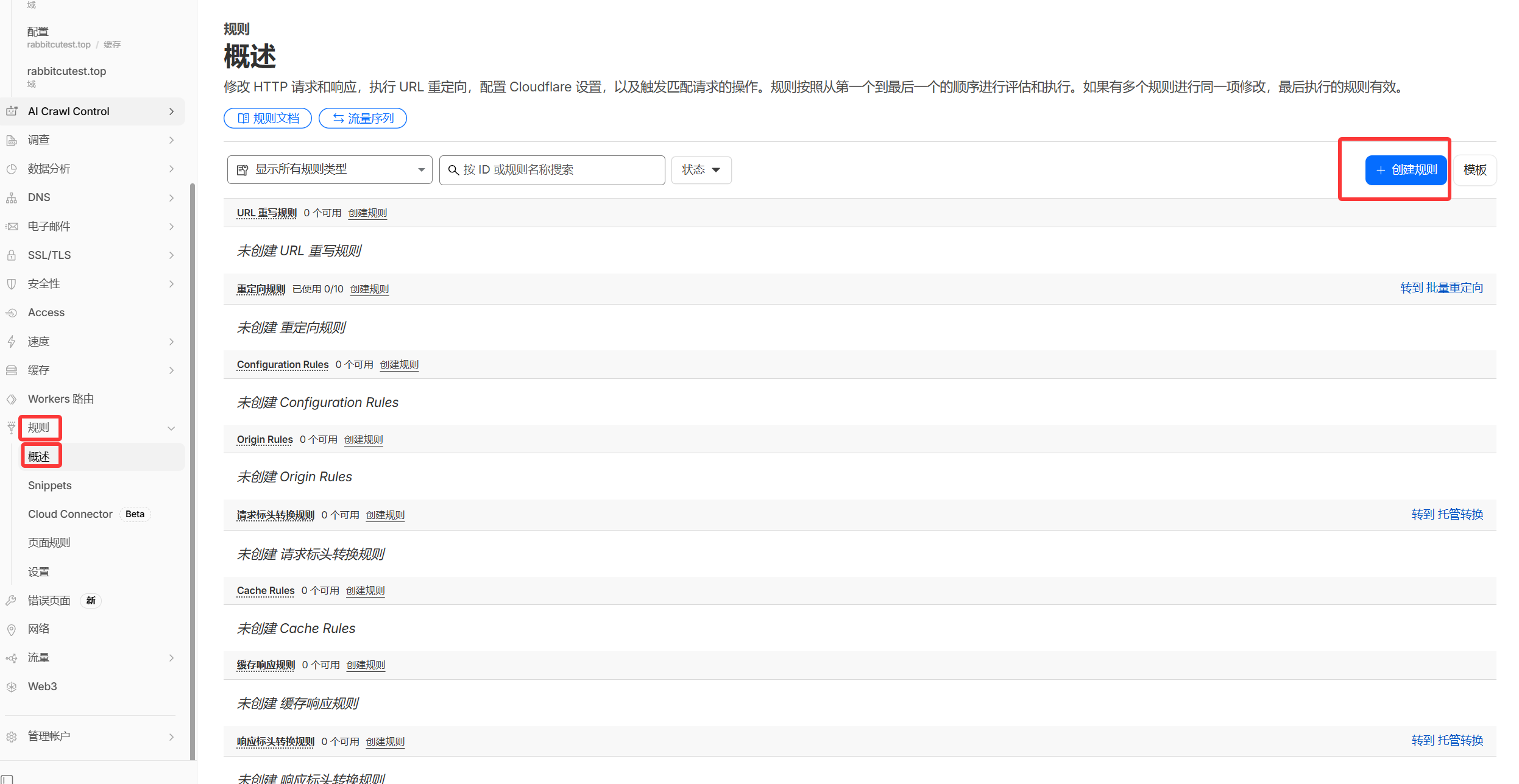
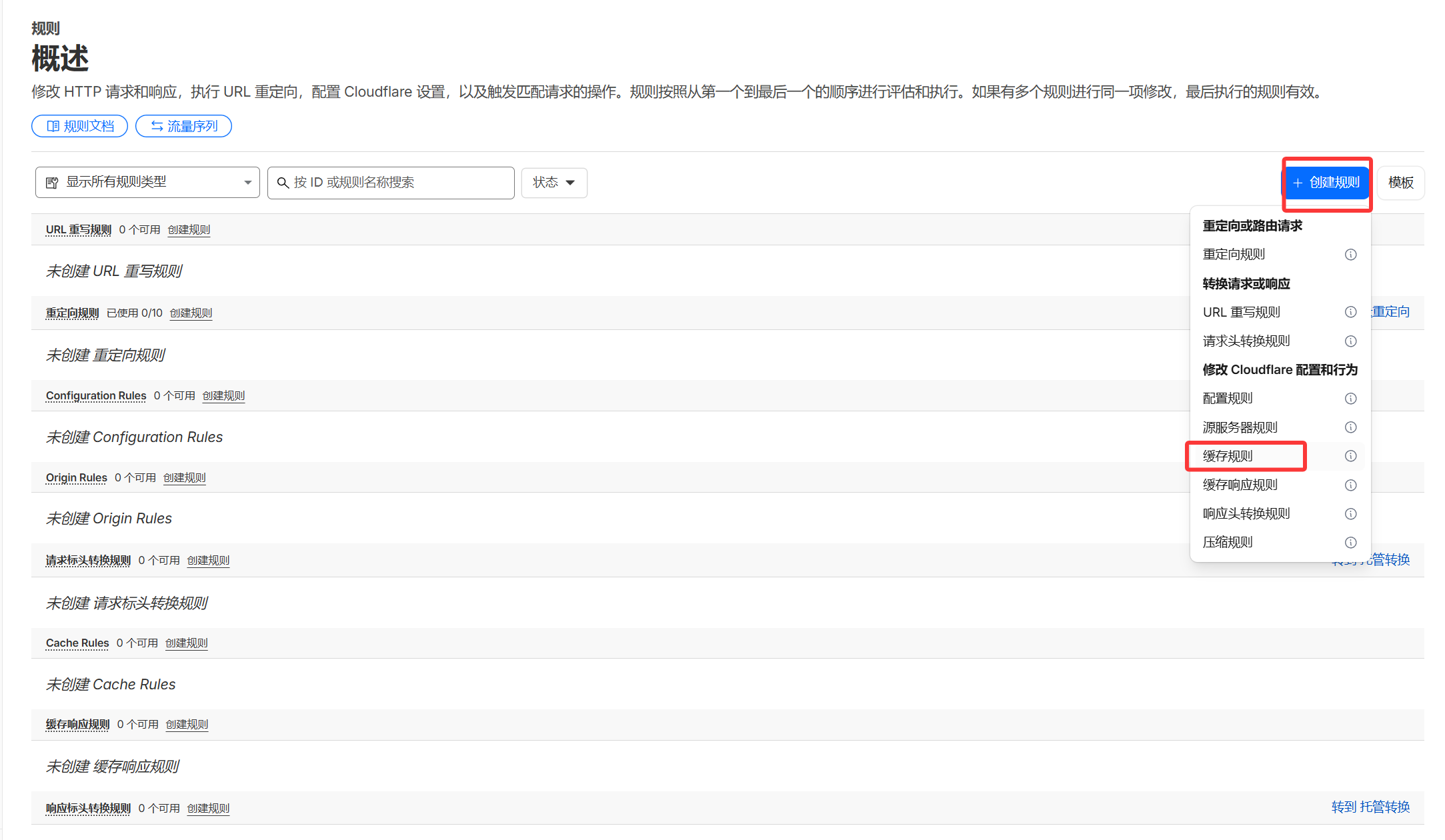
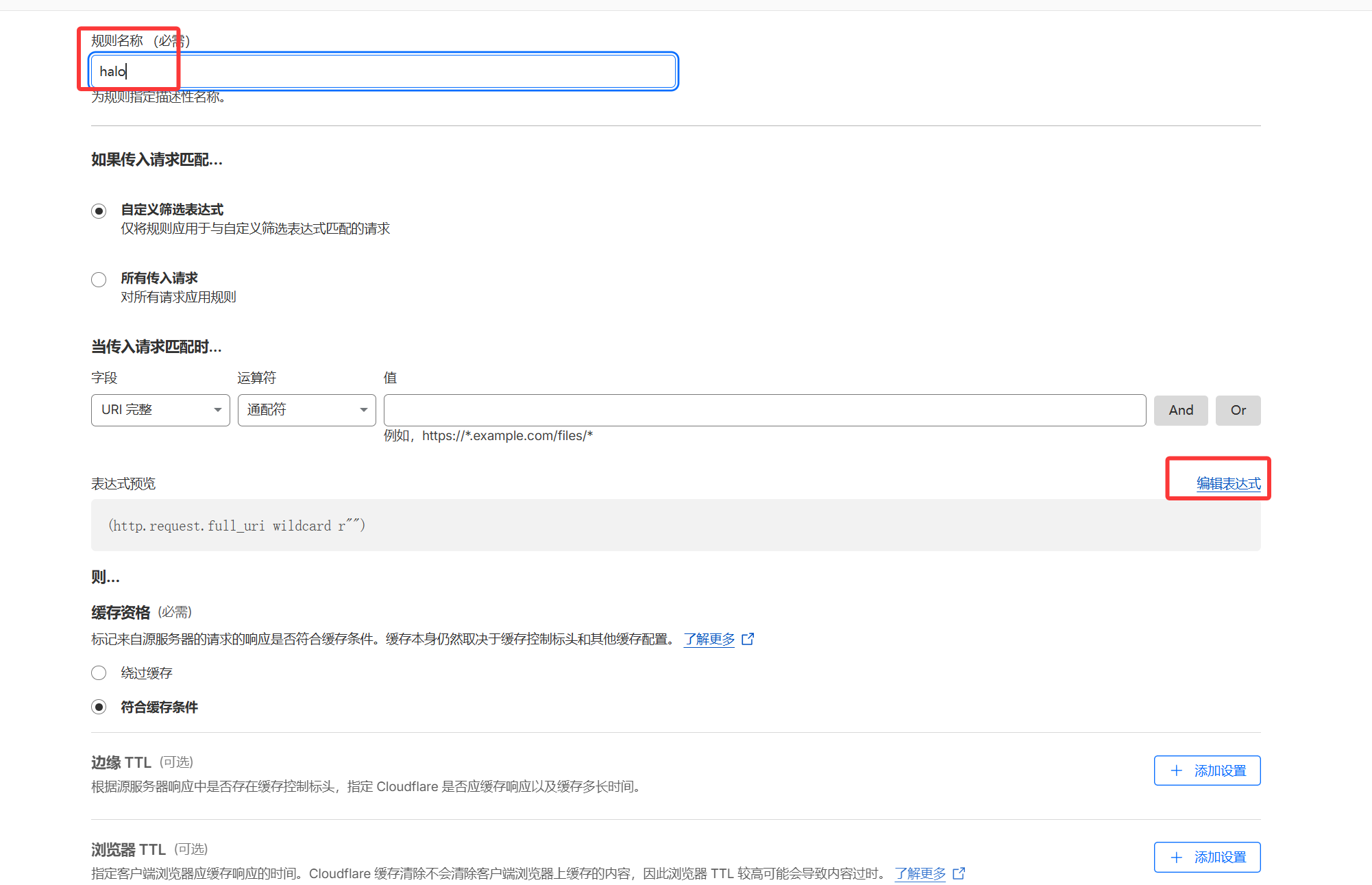
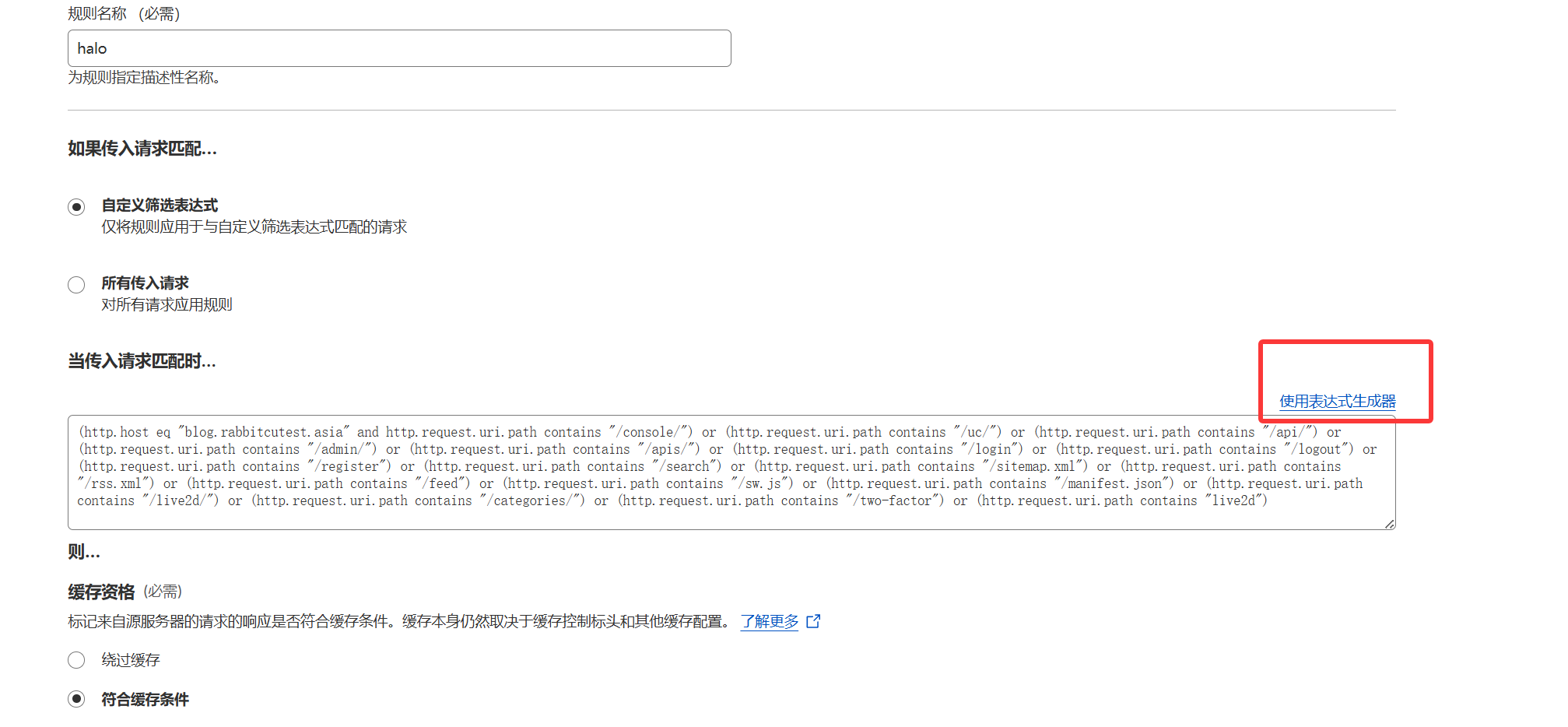
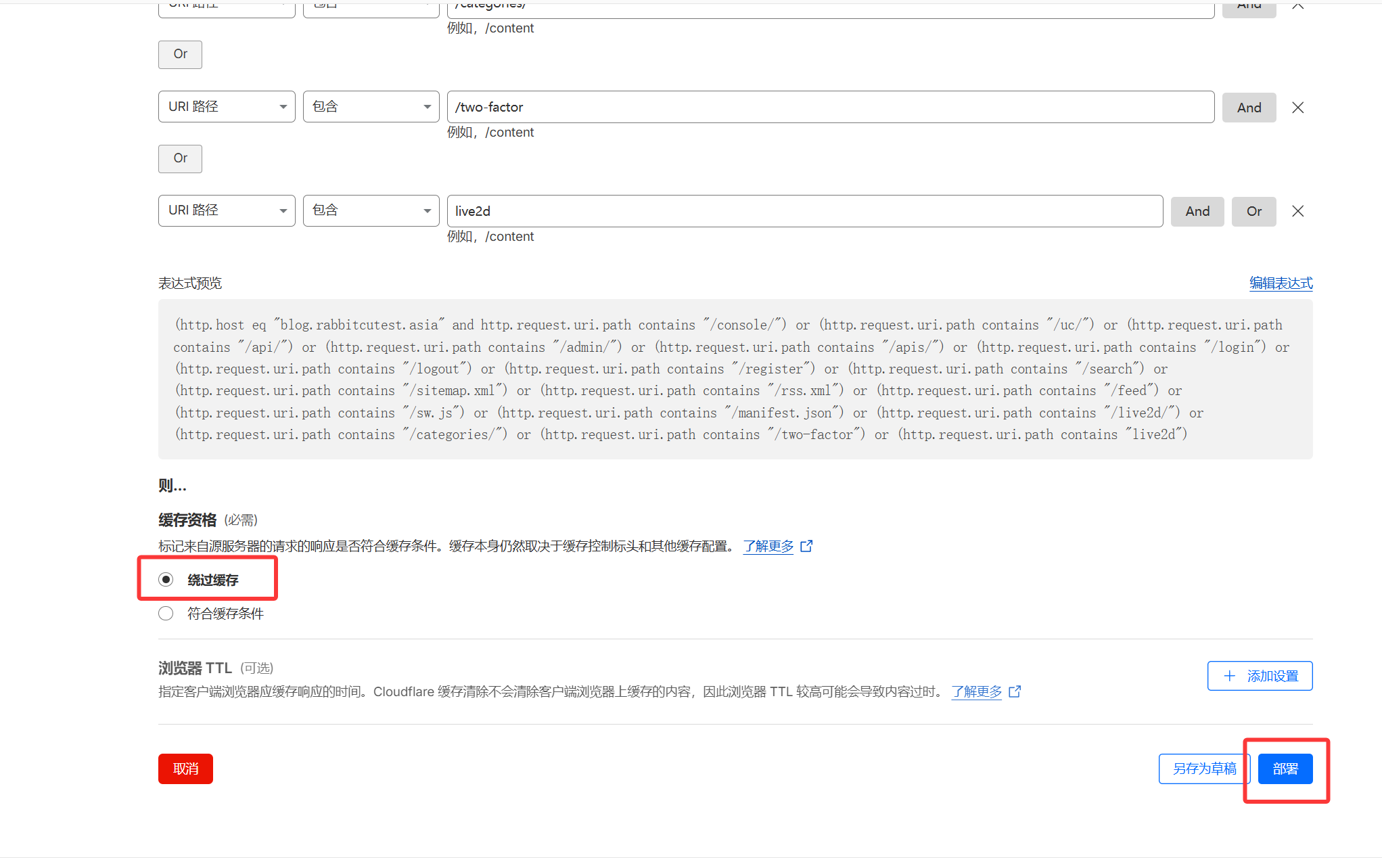
(http.host eq "blog.rabbitcutest.asia" and http.request.uri.path contains "/console/") or (http.request.uri.path contains "/uc/") or (http.request.uri.path contains "/api/") or (http.request.uri.path contains "/admin/") or (http.request.uri.path contains "/apis/") or (http.request.uri.path contains "/login") or (http.request.uri.path contains "/logout") or (http.request.uri.path contains "/register") or (http.request.uri.path contains "/search") or (http.request.uri.path contains "/sitemap.xml") or (http.request.uri.path contains "/rss.xml") or (http.request.uri.path contains "/feed") or (http.request.uri.path contains "/sw.js") or (http.request.uri.path contains "/manifest.json") or (http.request.uri.path contains "/live2d/") or (http.request.uri.path contains "/categories/") or (http.request.uri.path contains "/two-factor") or (http.request.uri.path contains "live2d")
将上边内容复制粘贴进去 然后再点击使用表达式生成器
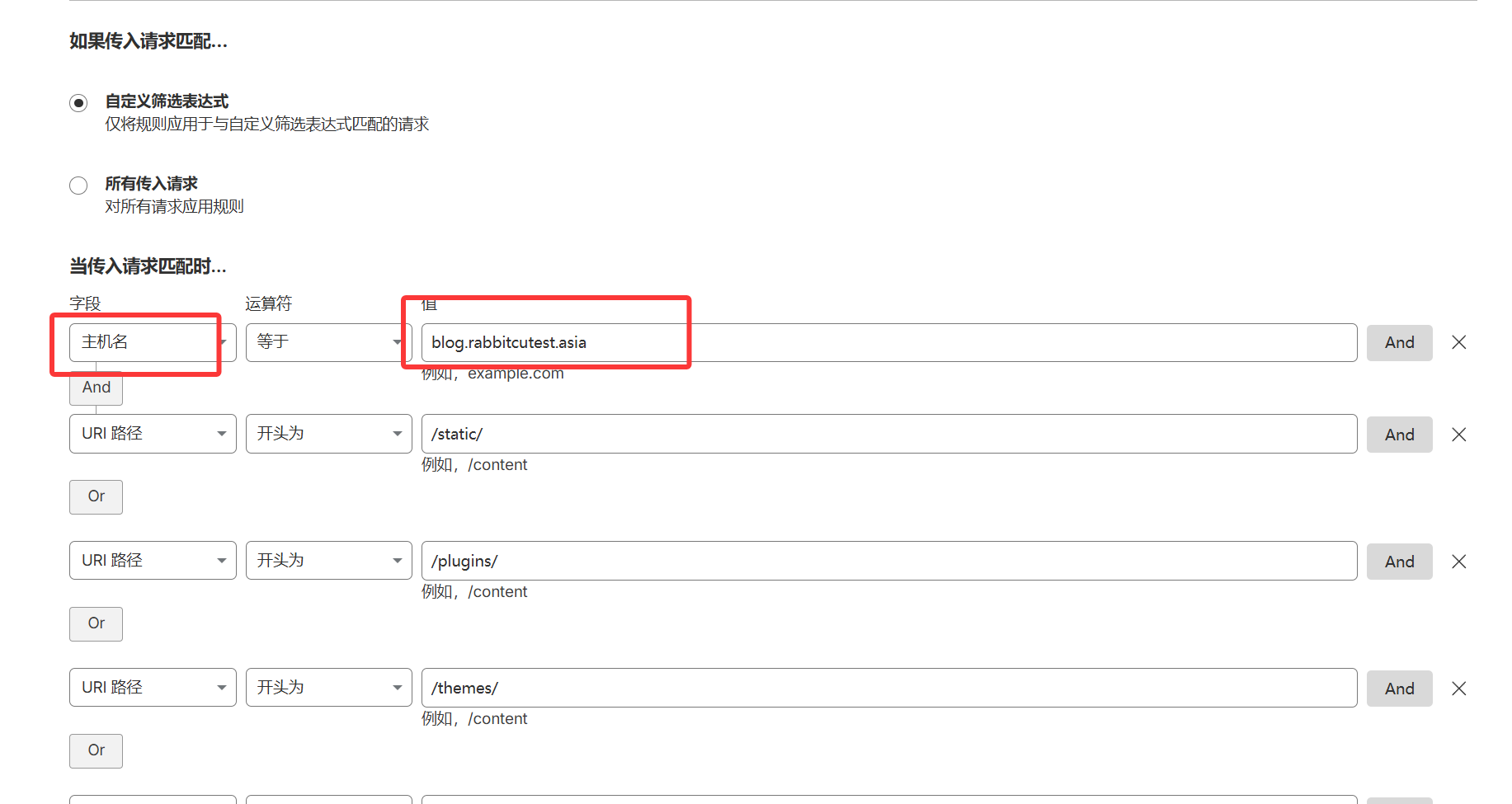
将主机值改成你自己的域名
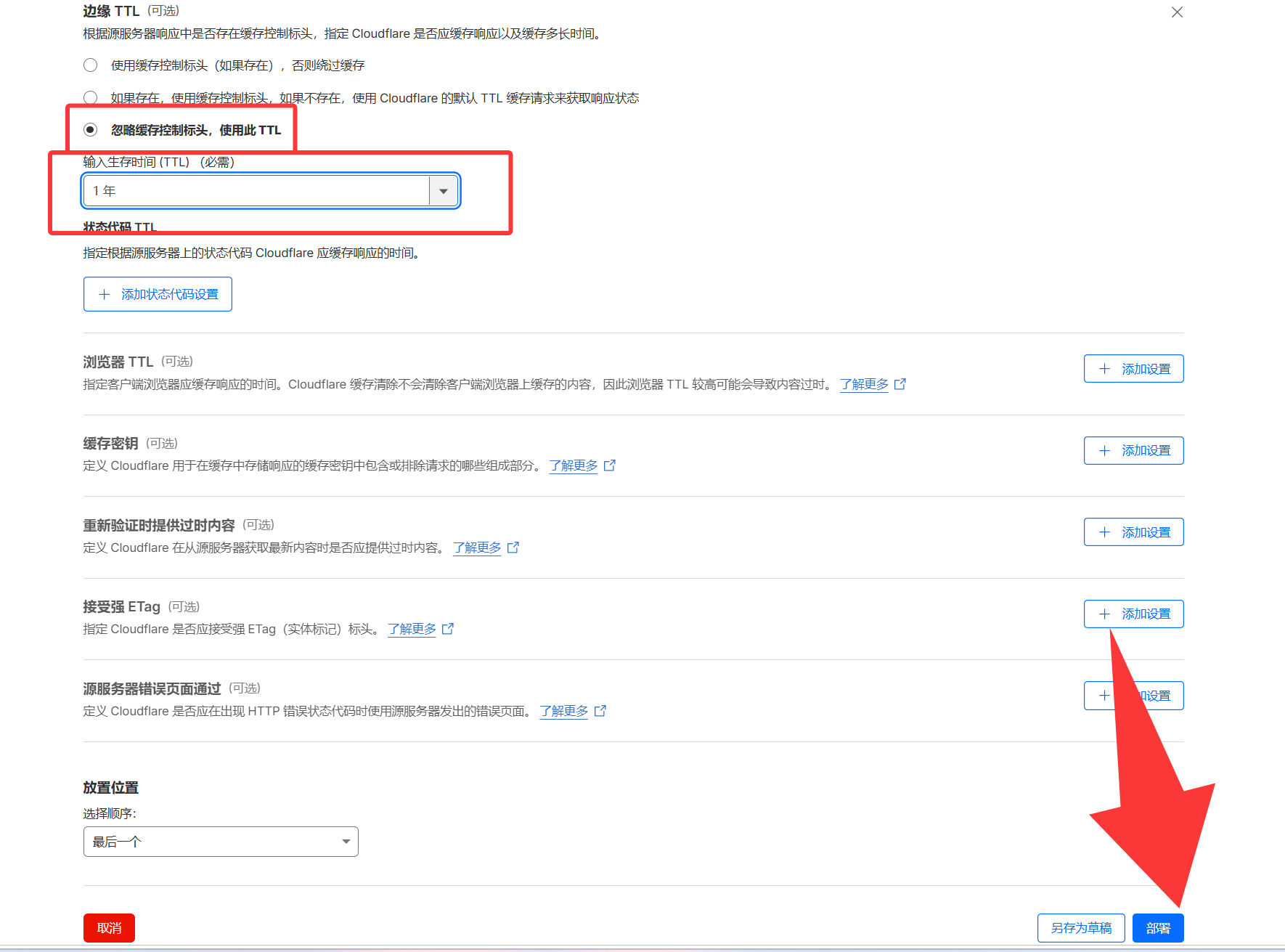
缓存资格选择绕过缓存,然后点击部署
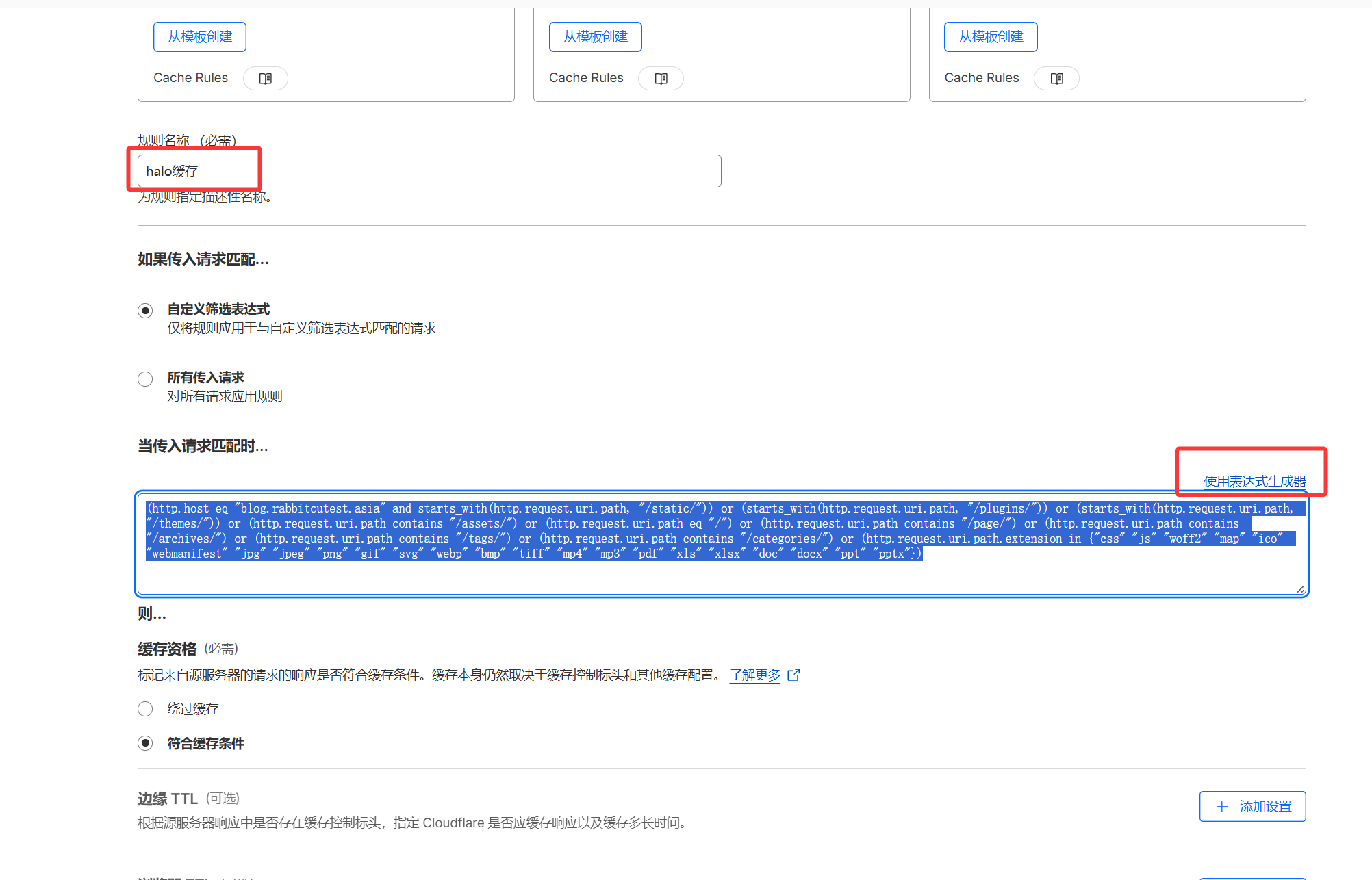
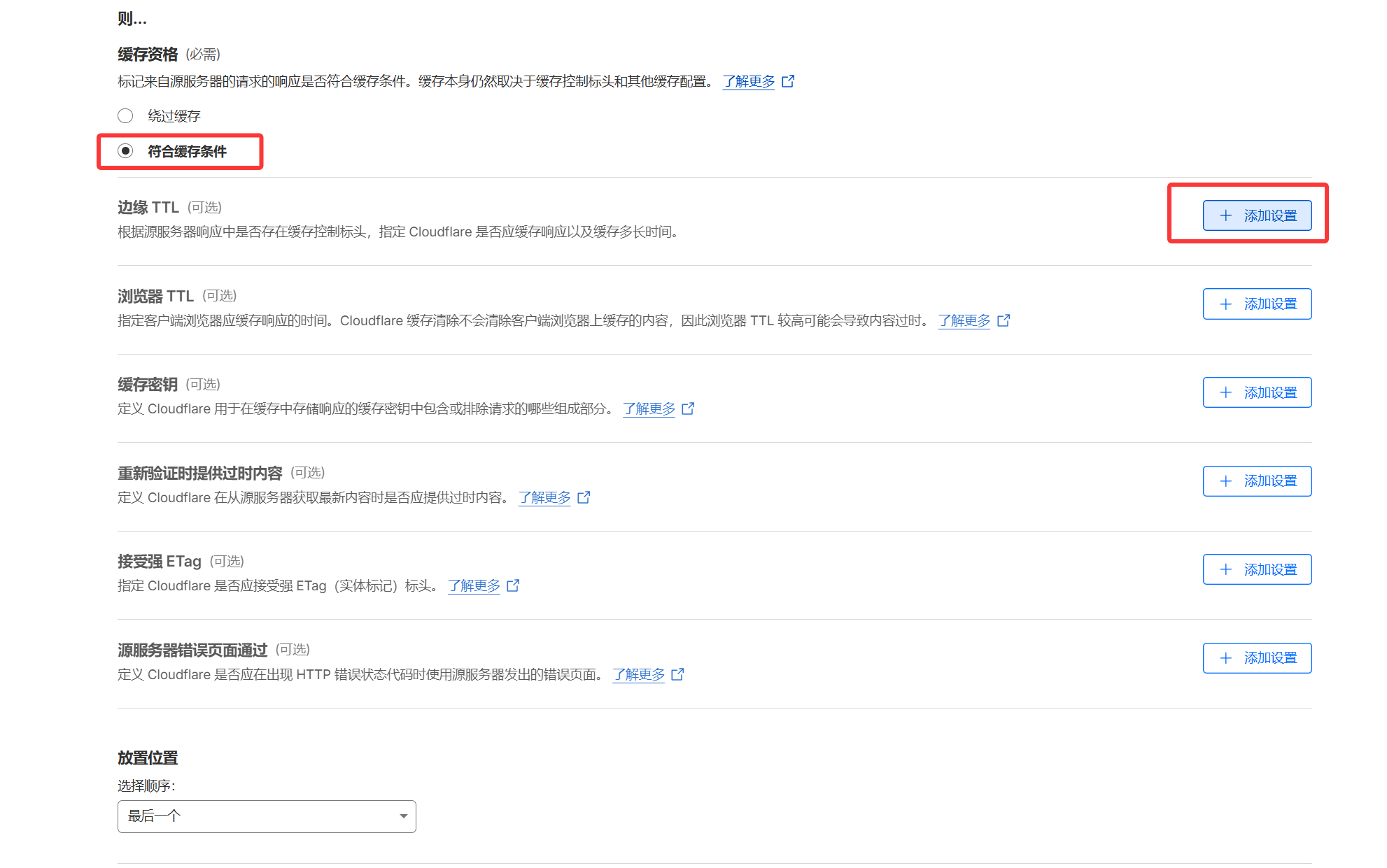
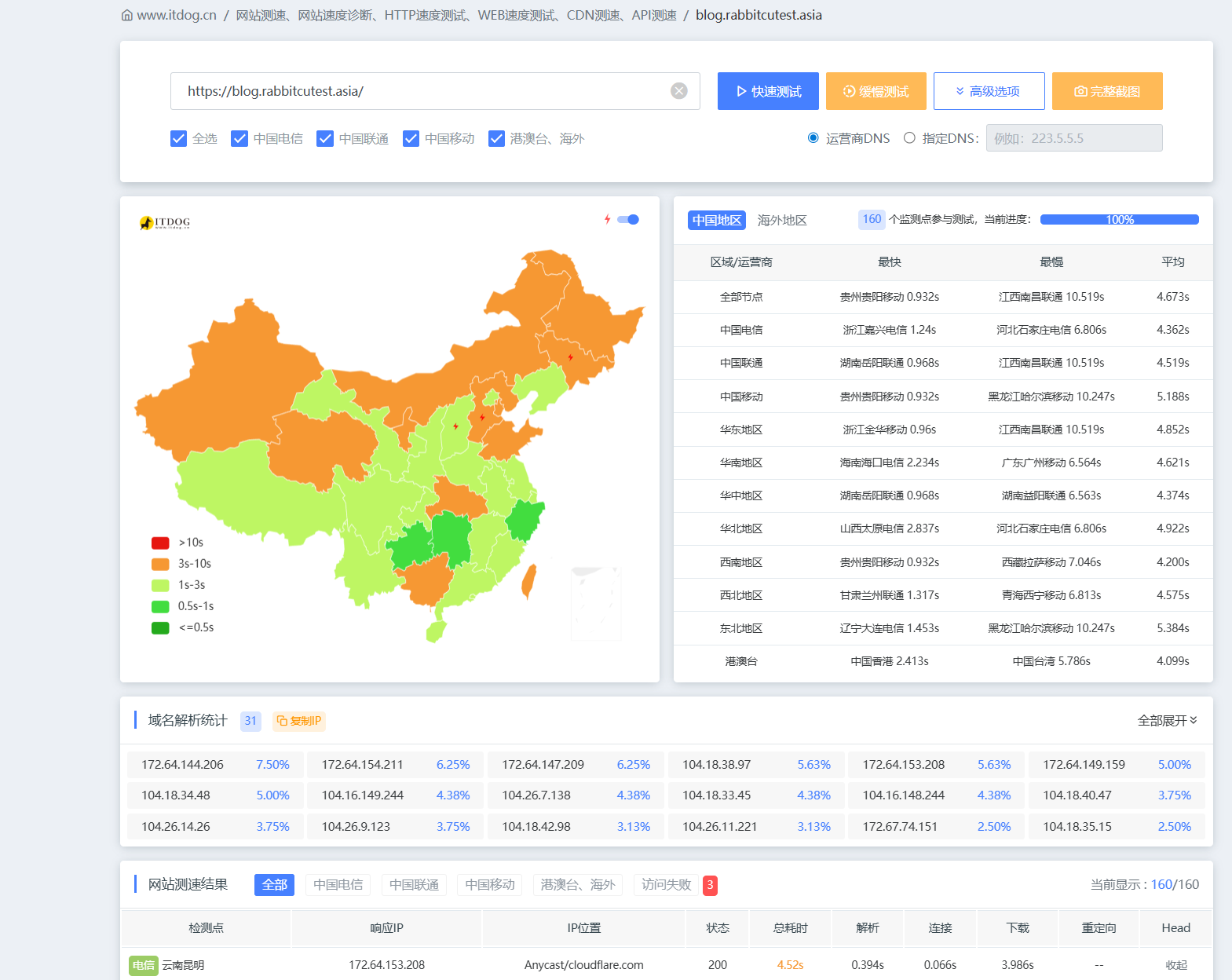
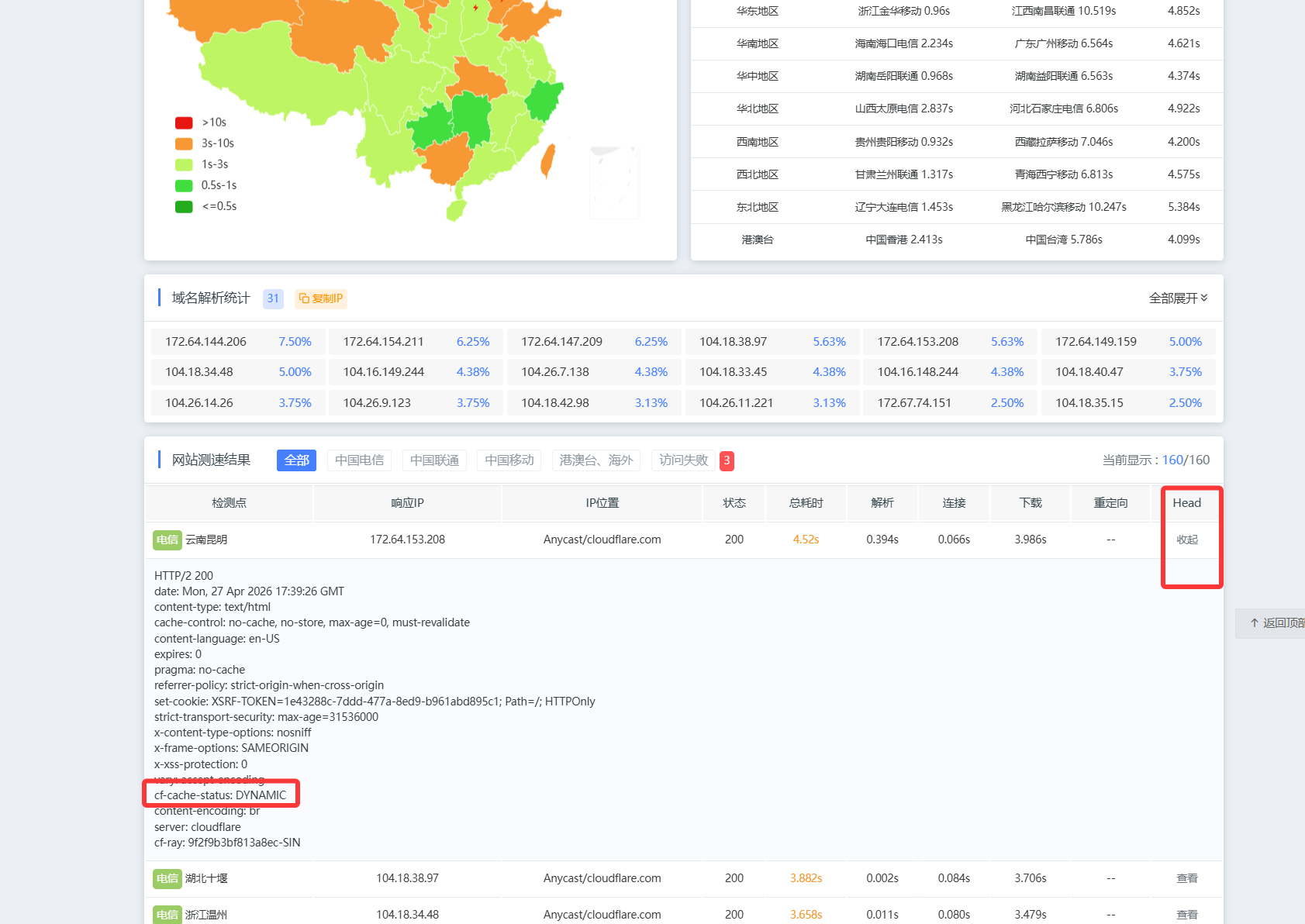
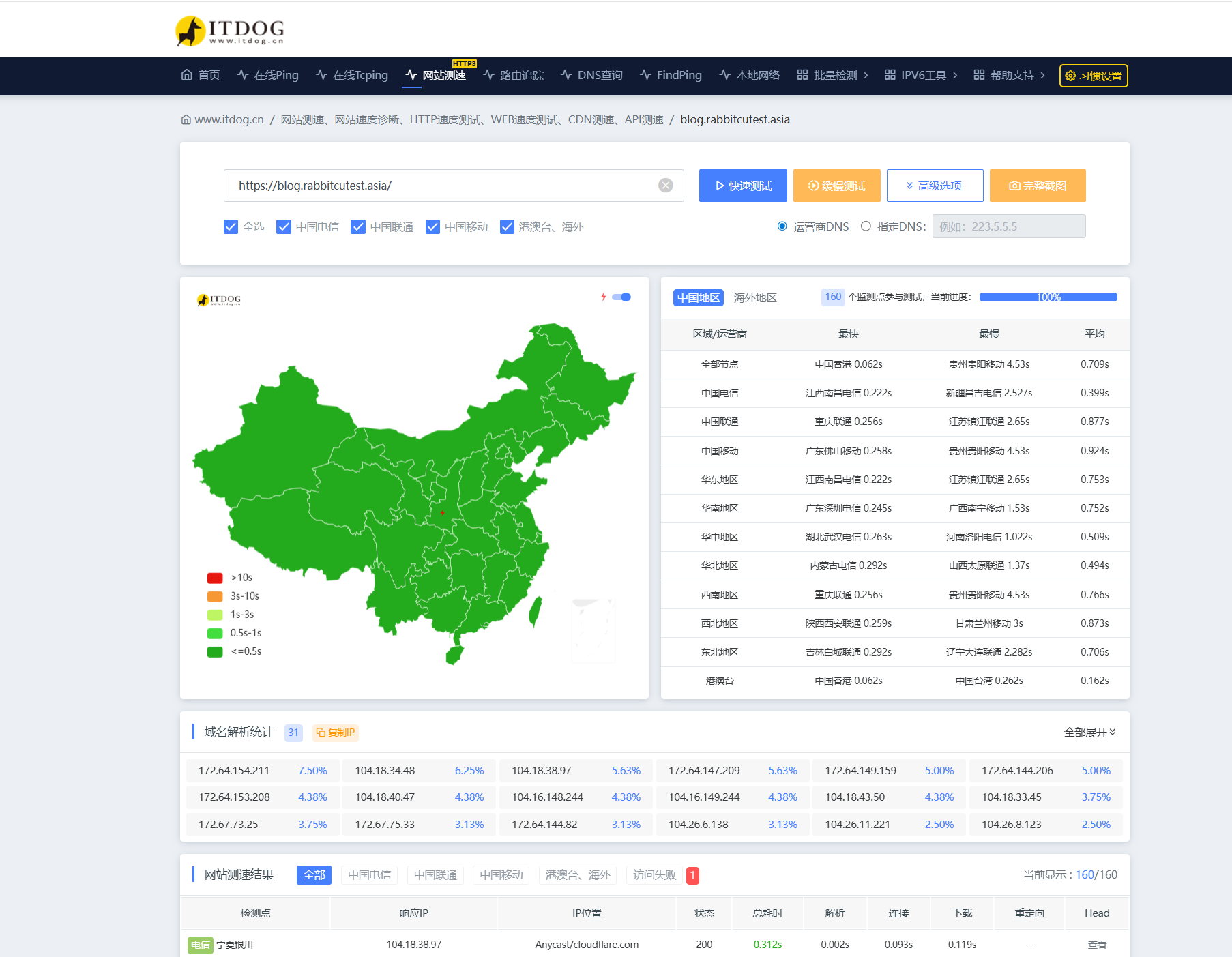
然后再次点击创建缓存规则 如下图填写名称,表达式生成器,将下边内容复制粘贴进去
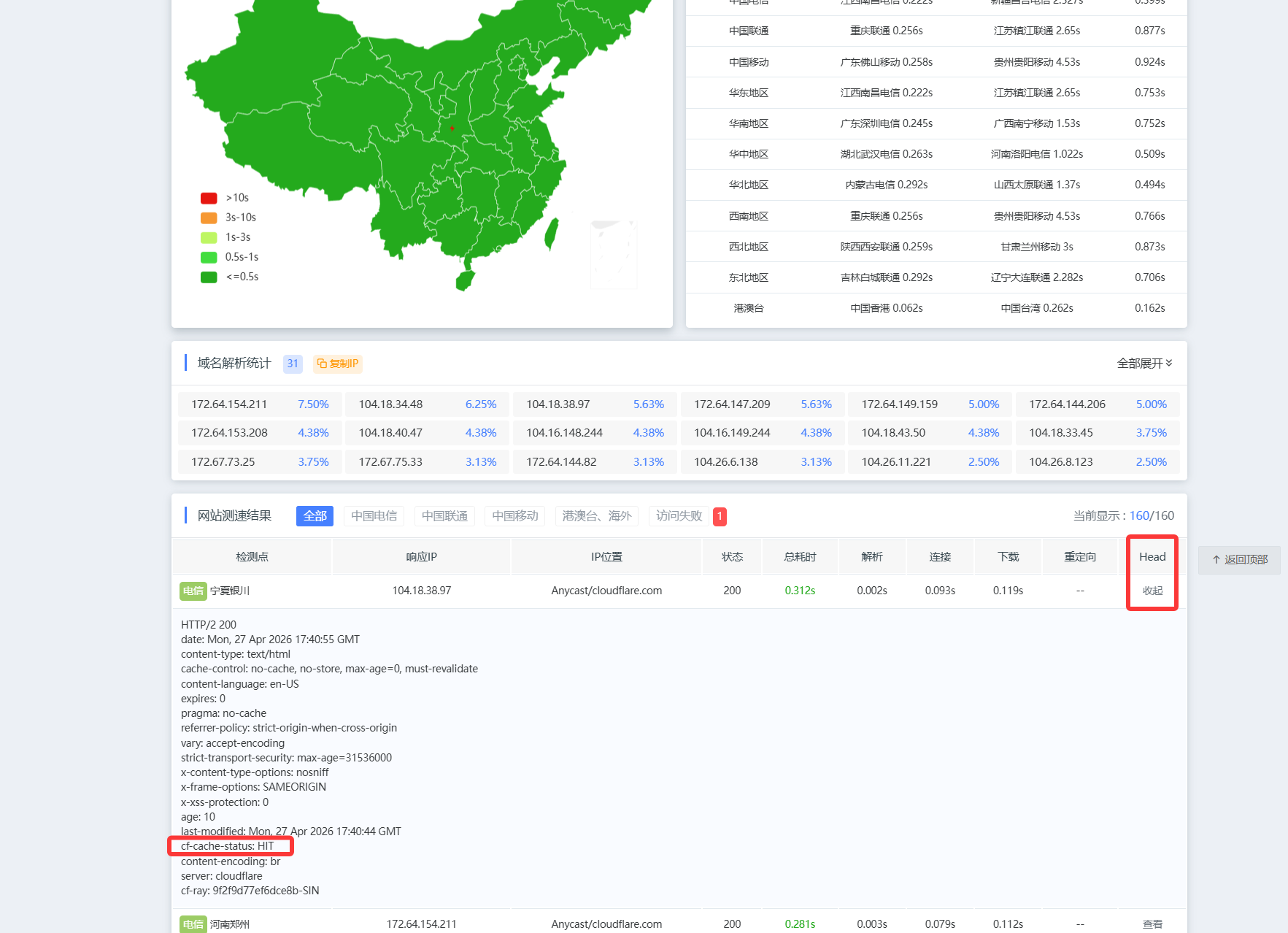
(http.host eq "blog.rabbitcutest.asia" and starts_with(http.request.uri.path, "/static/")) or (starts_with(http.request.uri.path, "/plugins/")) or (starts_with(http.request.uri.path, "/themes/")) or (http.request.uri.path contains "/assets/") or (http.request.uri.path eq "/") or (http.request.uri.path contains "/page/") or (http.request.uri.path contains "/archives/") or (http.request.uri.path contains "/tags/") or (http.request.uri.path contains "/categories/") or (http.request.uri.path.extension in {"css" "js" "woff2" "map" "ico" "webmanifest" "jpg" "jpeg" "png" "gif" "svg" "webp" "bmp" "tiff" "mp4" "mp3" "pdf" "xls" "xlsx" "doc" "docx" "ppt" "pptx"})